Rummy App Permissions: Review Access Before You Play
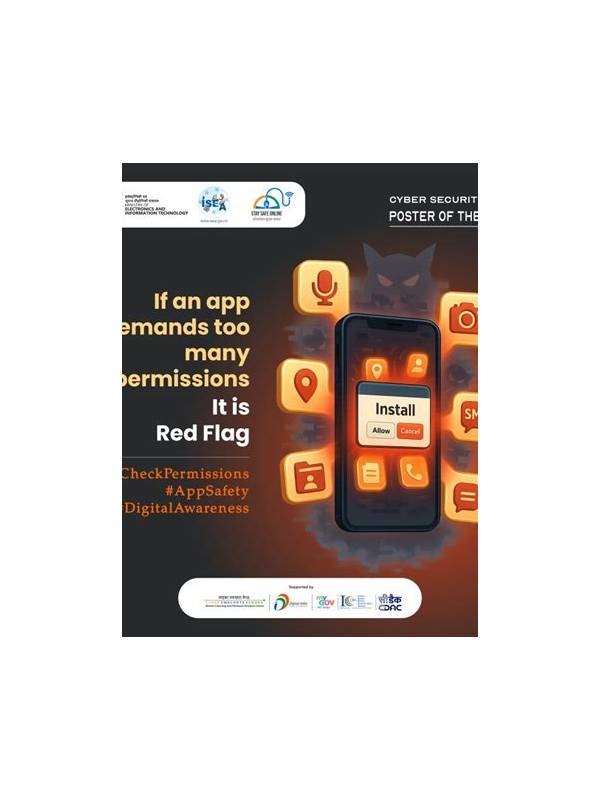
An app may request access to notifications, storage, contacts, a microphone, or location. Some permissions support a feature, while others may be unnecessary for a card game. Reviewing access before playing protects privacy and helps you notice suspicious behavior early. The exact menus vary by device, so use the operating system’s permission controls rather than relying on an in-app promise.
Begin with the app’s stated purpose. A card game may reasonably need network access and notifications if you choose to receive table alerts. Contacts, precise location, or microphone access deserve a specific explanation. If a feature does not need a permission, deny it or select a limited option. You can change the choice later if a genuine feature requires it.
Check whether the app came from a trusted, official distribution source. An installer received through an unsolicited message may have been modified, even if its name and icon look familiar. Review the developer name, update history, and privacy information available in the store. Avoid entering payment or account details until you are satisfied that the source and platform are legitimate.
After installation, watch for unexpected behavior. Frequent requests for unrelated permissions, overlays on other apps, excessive battery use, or notifications that continue after you disable them are reasons to pause. Revoke access through system settings and consult the platform’s support or security guidance. Do not attempt to bypass warnings merely to start a game quickly.
Protect the account separately from the app. Use a unique password, enable available sign-in protection, and never share verification codes. Keep the operating system and security updates current. If you use a shared device, create a separate profile when possible and sign out after playing. A permission review cannot compensate for a password reused across several services.
Privacy choices do not have to be permanent. Review permissions occasionally after updates, because features and requests can change. A few minutes spent checking access is a reasonable trade for confidence in the device you use. If an app cannot explain why it needs sensitive information, choose not to provide it and find a safer way to play or practice. Keep permission decisions understandable to the other people who use the device. If a child or family member plays on the same phone, explain why sensitive access stays disabled and where the settings can be reviewed. A shared safety habit is easier to maintain than a hidden one-time check.