Rummy Safety: Keep Shared Devices Separate From Accounts
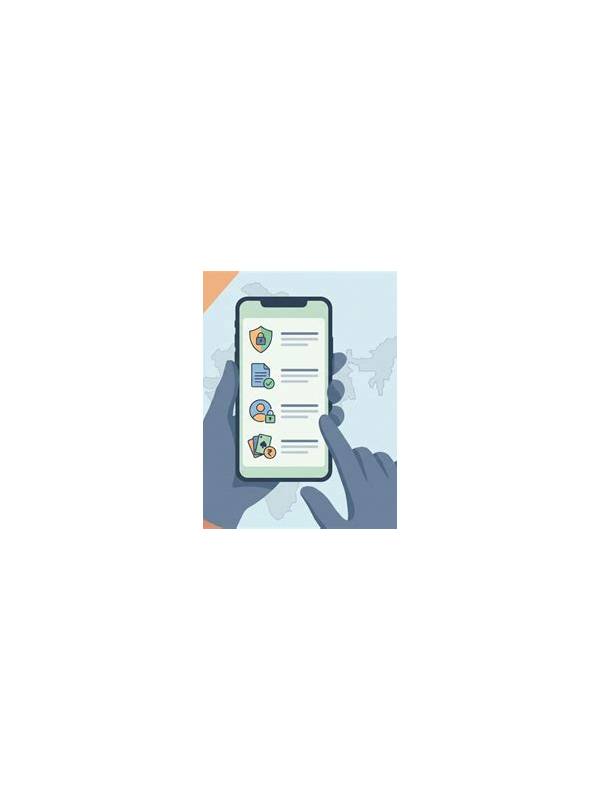
Using a shared device can expose more than a game screen. Saved passwords, active sessions, notifications, and payment details may remain available to the next person. A short privacy routine reduces those risks before and after play.
Start by checking whether the device has separate user profiles. Use your own profile when possible and avoid saving credentials in a shared browser. Do not enable automatic sign-in if another person can access the device. Screen locks and device updates provide basic protection, but they do not replace careful sign-out.
After playing, sign out through the application or website and close private tabs. Review whether the device saved a password, autofill entry, or downloaded file. Clear only your own sensitive information and follow the device owner’s rules. Never delete another person’s files or settings while trying to tidy a session.
Be careful with notifications. Account alerts, verification messages, and transaction details may appear on a locked screen. Adjust notification previews if the device is shared, and never leave one-time codes visible. If a code is requested by an unexpected person or message, stop and verify through the official account channel.
Payment safety deserves a separate check. Confirm the account and amount before any transaction, and avoid storing payment details on a device used by many people. Keep receipts in a private location so you can review activity later.
Shared-device safety is mostly routine: use a separate profile, avoid saved credentials, hide sensitive notifications, sign out, and review account activity. If the device cannot provide reasonable privacy, choose a safer device or postpone access.
Do not assume that deleting an app removes account data or active sessions. Use the account’s security settings to review signed-in devices and revoke access where necessary. If a shared device is lost, change the password from a trusted device and contact official support through a known route. Keep recovery details private and never send them to a helper in a chat. These steps are useful after ordinary play as well as after a suspected privacy problem.
Friends and family should not need your password to help with a device problem. Ask them to describe the screen while you enter private details yourself, or use official support. Be especially cautious when a helper requests remote access. End the session if you cannot see what is being changed.
When in doubt, stop the session and continue only after privacy can be restored.